We are the Authorized Excellent Channel Distributor by Chainway,the Top RFID Reader manufacturer, Best RFID Products Supplier in China, providing high quality RFID scanners devices, RFID readers, RFID tags ,etc.
Language
We are the Authorized Excellent Channel Distributor by Chainway,the Top RFID Reader manufacturer, Best RFID Products Supplier in China, providing high quality RFID scanners devices, RFID readers, RFID tags ,etc.
Applying the technology to the manufacturing process of the product turns out to be highly helpful. Featuring stability and durability, the product is suitable for the field(s) of Scanner. Innovation ability is the key to the core competitiveness of products. Shenzhen E-card One Technology Co., Ltd. will provide high-quality services, and bring customers a better experience. In this way, the company can continue to strengthen its future strength in technological innovation and strive to create complete products Ecological chain.
| Products Status: | Stock | Model Number: | ECO-SH01 |
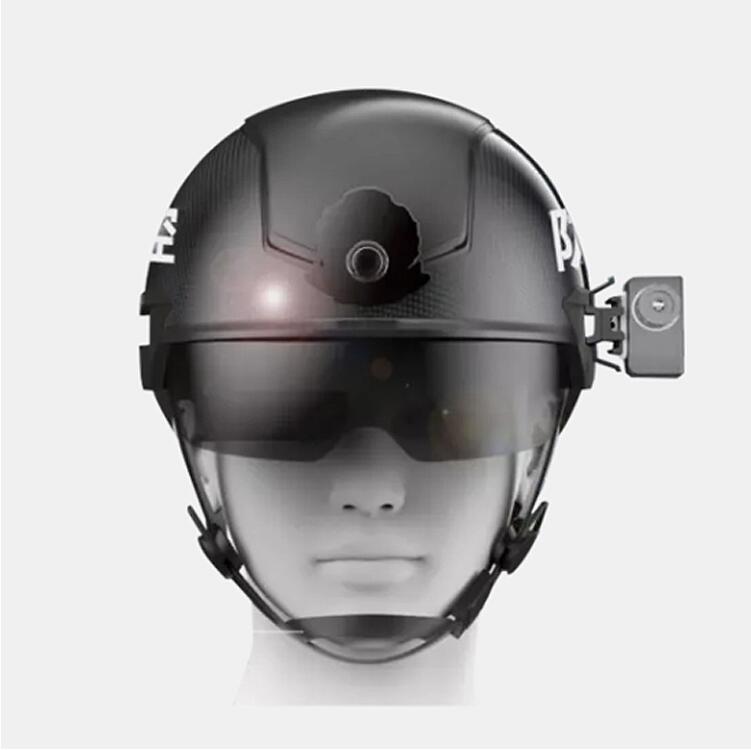
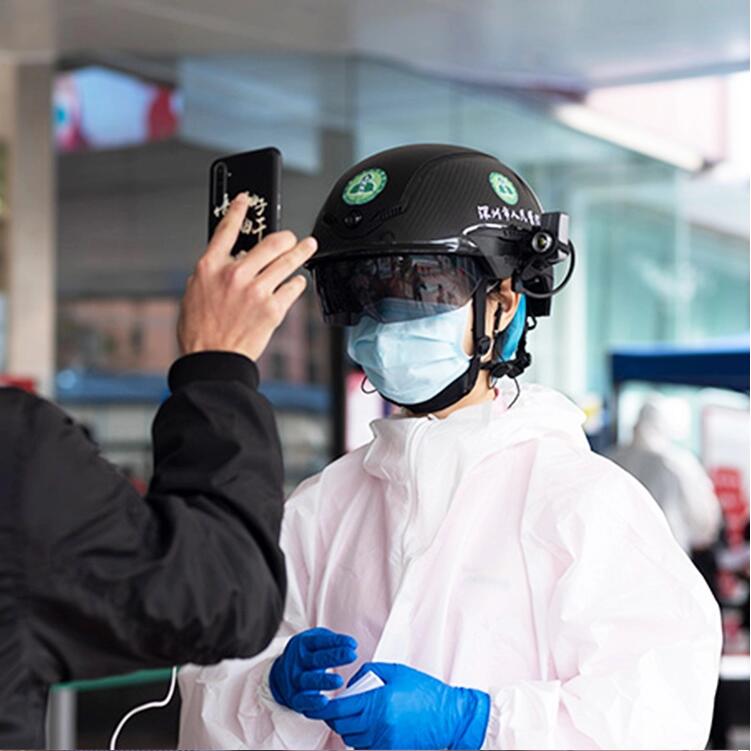
| Place of Origin: | Guangdong, China | Device Name: | Smart Helmet for Contactless Temperature Measurement |
| Model No.: | ECO-SH01 | Manufacturer CMIIT ID: | 2018CP6416 |
| Device No.: | SHGA00619 | IMEI: | 860120180806080 |
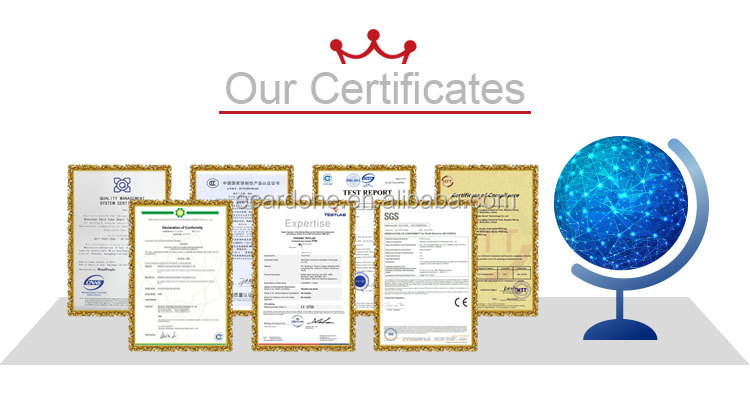
| Certification: | FCC, ce, RoHS |
OVERVIEW
1. Start to Use
1.1. Preparation before Use
(1) Charge the smart helmet. The helmet should be charged with the original smart helmet charging cable through the Type-C port.( 2) Check the battery of the smart helmet. In the charging process when the helmet is shut down, the blue light indicates high battery level, while the red light indicates low battery level.
(3) Check that the data cable of the thermal imaging temperature measurement module is connected firmly.
(4) Record the device number of the smart helmet.
The device number is a must-know information when connecting the smart helmet to the mobile phone APP.
a) The charging cable should be unplugged first.
b) Open the battery cover in unlock position, record the device number of the smart helmet inside the battery cover (e.g.: N90100011).
1.2. Wear the Smart Helmet
1) Select appropriate-thickness liner for replacement according to your head size.
2) Adjust the tightness of the helmet strap.
3) Put on the smart helmet and fasten the buckle.
4) Turn the head lock knob to an appropriate position.
5) Wear the earphone.
1.3. Adjust the AR Goggles
1) Install the optical waveguide AR glasses on the safety goggles,
without extending and retracting them separately.
Note: When extending and retracting the safety goggles, be gentle and avoid the collision of the shell or lens of AR glasses with other objects (as the space for extending and retracting of the AR glasses is limited, large-range adjustment of the AR glasses on the safety goggles should be avoided).
2) If the AR glasses need to be adjusted within a wide range, the AR glasses should be adjusted after the helmet is removed,.And after adjustment, the safety goggles should be extended or retracted for several times to observe whether collision occurs.
1.4. Retract and Extend the Safety Goggles
Gently lift the safety goggles from both sides to open the goggles;
Gently lift the safety goggles from both sides fisrt and then push the goggles into the helmet to retract the goggles.
2. Connect the Helmet to Mobile Phone
2.1 Start the Smart Helmet.
Press On/Off button and hold it for 3 seconds to turn on the power, and the indicator lamp will be on.
2.2 Mobile Phone BL Connection and Pairing
Note: This step needs to be executed only at the first time of connection between the smartphone and the smart helmet;
1) Click Settings in the mobile phone.
2) Click Device Connection.










Recommended